TUG Test Apps Compared: Stopwatch, Sensor or Camera
Timed Up and Go apps work in three ways: stopwatch, phone sensors or camera. Ten TUG apps and tools compared, what each kind tells you, total time vs the six iTUG phases, and how to choose.
The Timed Up and Go (TUG) is one of the most used mobility tests in older adults: stand up from a chair, walk 3 metres, turn, walk back and sit down. It only needs a chair and a stopwatch, so it's no surprise that many apps now offer to run it. They work in very different ways, though. Some are a stopwatch with a score attached, some read the motion sensors of a phone you carry, and some film the test. This guide compares the TUG apps and tools we could find, explains what each kind can and can't tell you, and helps you choose.
The test every TUG app runs
Whatever the app, the test is the same one Podsiadlo and Richardson described in 1991 (J Am Geriatr Soc): a standard chair, a line 3 metres in front of it, and the time from "Go" until the person is seated again, at their usual pace, with their usual shoes and walking aid.
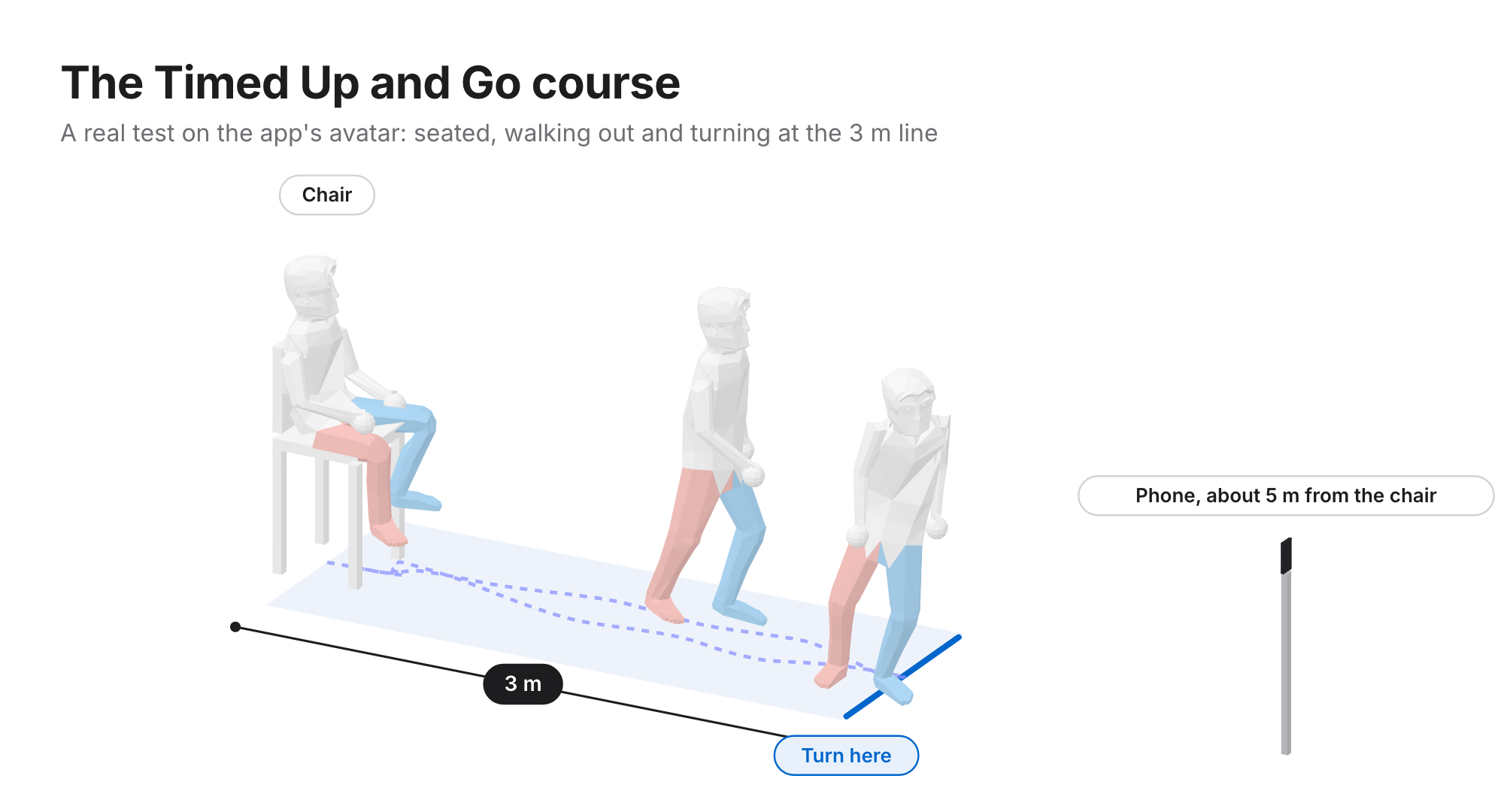
An app can change how the time is taken and what you get back. It can't change the test, and every comparison with published norms assumes the course and the instructions were the same.
Three ways TUG apps measure
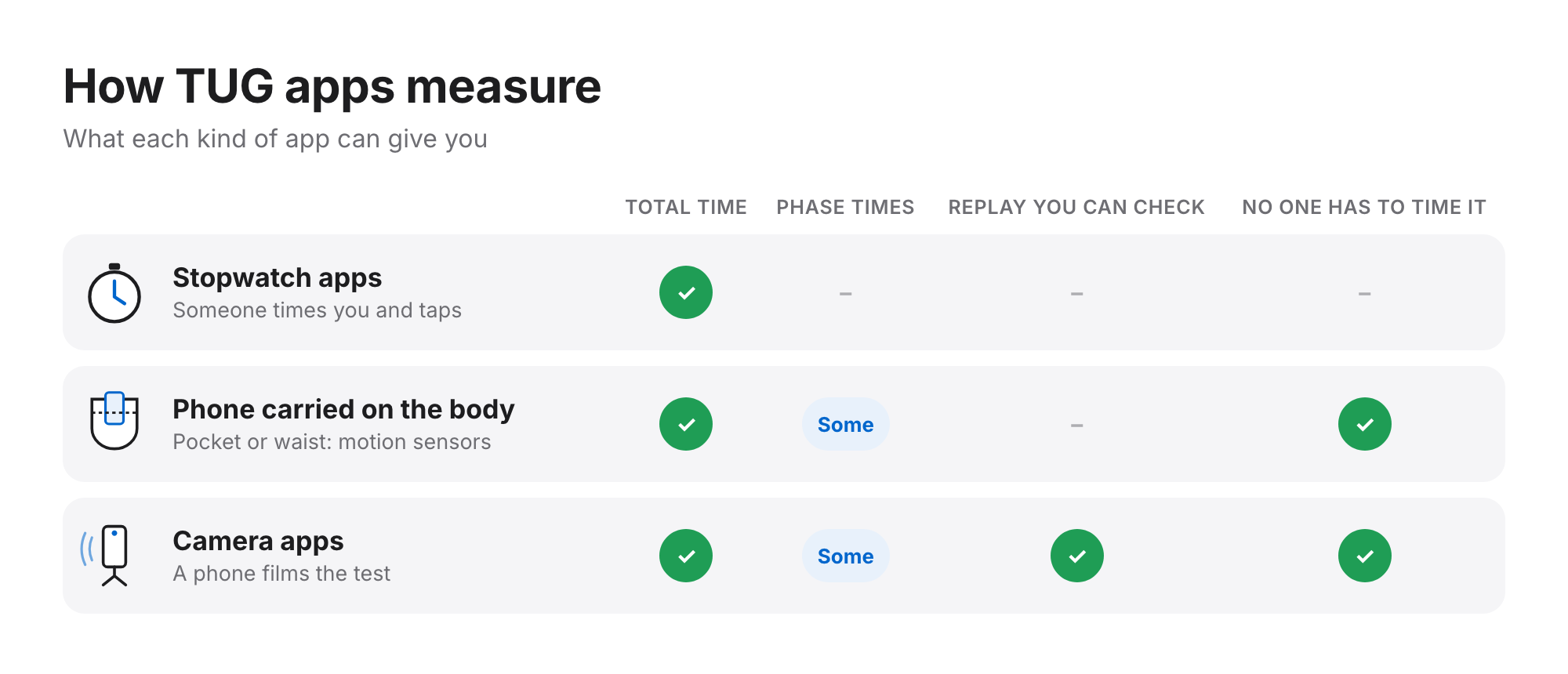
- Stopwatch apps. Someone starts and stops the timer and the app records the result, sometimes against age norms. Simple and cheap, but someone has to time it, and you only get the total.
- A phone carried on the body. The phone sits in a trouser pocket or at the waist and its motion sensors detect when the test starts and ends. No one has to time it; some of these apps also report separate parts of the test.
- Camera apps. A phone on a stand films the test. Nothing is worn, the result comes with a replay you can check, and some apps split the test into phases.
TUG apps and tools compared
Listed alphabetically. Facts come from each developer's own site, app store listing or the papers they cite (reviewed October 2026), and "not stated" means we couldn't find it, not that it doesn't exist. This isn't a ranking, and we make one of the apps (Step Doctor).
| App or tool | How it measures | Runs on | Published evidence for its TUG |
|---|---|---|---|
| AppTUG Clinic (Montfort Brain Monitor) | Phone's motion sensors; supports several trials and remote tests | iPhone, iPad | Not stated |
| GaitKeeperGO | One camera | iOS | Not stated |
| Hacaro-iTUG | Phone worn at the waist; times the test's phases | iPhone | Pilot study, 2022 |
| I-SOL Care (Gilon) | Smart insoles | iOS + insole | Not stated |
| Kinetically | One camera | iOS, web | Not stated |
| Lindera | One camera | iOS, Android | Not stated for the TUG (its gait measures have published studies) |
| Step Doctor (ours) | One camera; voice-guided, times six phases | iOS, Android | Not yet published |
| TUG App (webgearing; © Hôpitaux Universitaires de Genève) | Not stated on the listing; reports seconds and T-scores for age and sex | iPhone | Not stated |
| up&go (Heidelberg University Hospital, mHealth Technologies, TSG ResearchLab) | Phone in the front trouser pocket; five repetitions in a row; free | Android; iPhone from 2024 | JMIR Aging, 2025: compared with a lower-back sensor system |
| Zeno Walkway (ProtoKinetics) | Pressure-sensing walkway | Walkway + PC | Not stated for the TUG |
Two things stand out. Few TUG apps have published evidence for the TUG itself, and only a few report more than the total time. The broader comparison, with gait and other tests, is in our guide to gait analysis apps.
Total time or phases?
The total time is what the published cut-offs use, so every TUG app should give it. An instrumented TUG (iTUG) adds the time of each part: standing up, walking out, turning, walking back, turning to sit and sitting down. Two people can both take 12 seconds and lose that time in very different places.
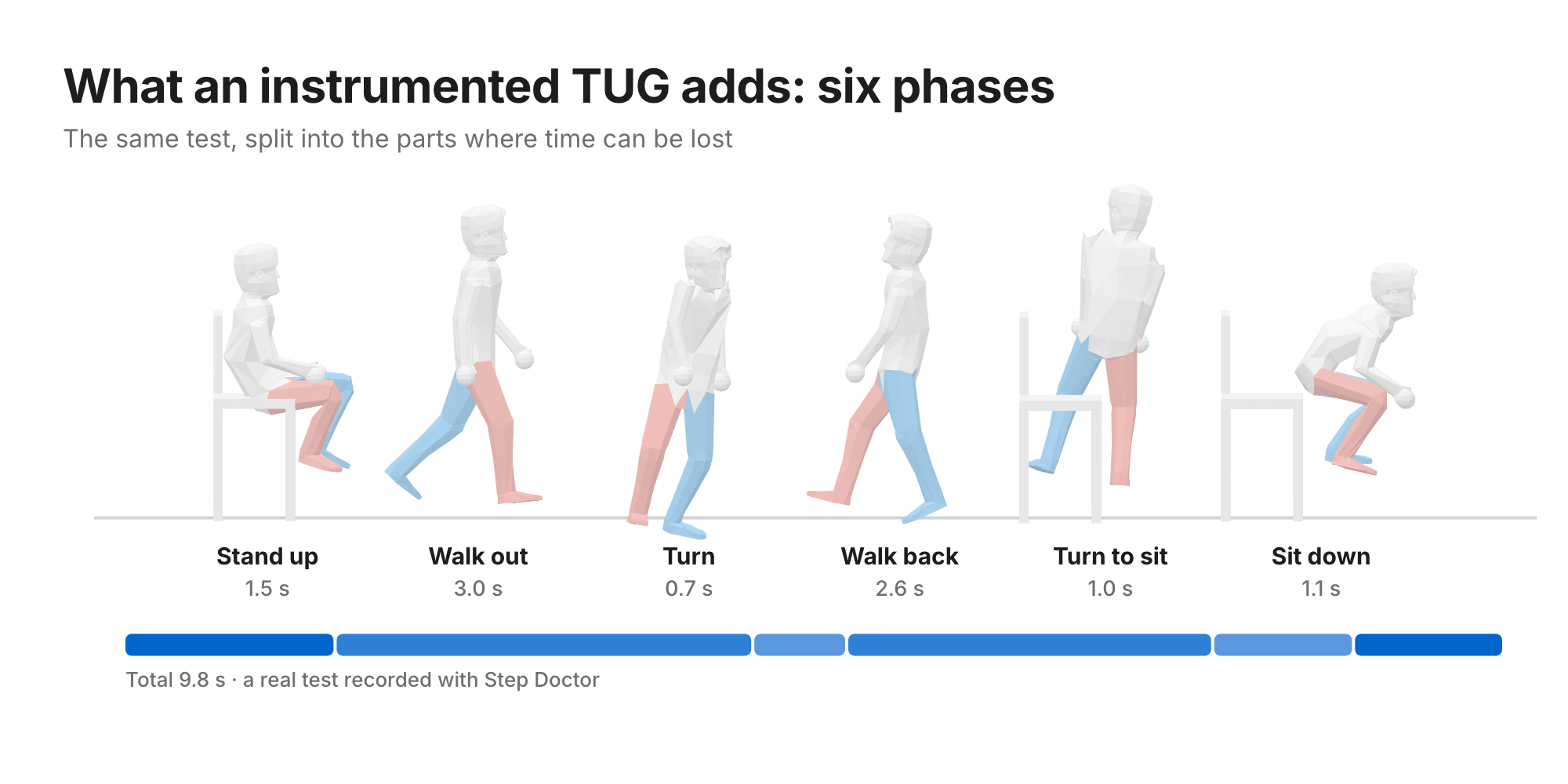
Phase times have their own reference values in older adults (Mirelman et al., 2014), so a slow turn or a slow rise from the chair can be seen even when the total looks normal.
How to choose a TUG app
- Who will run it? A clinician with a stopwatch needs little more than a timer and a record. Someone testing at home alone needs an app that times it for them.
- Total or phases? For screening, the total. To see where the time goes, phases.
- Can you check the result? A replay or video lets you confirm the test was done properly: right distance, full stop, seated at the end.
- What's the evidence? Look for a comparison with a reference (a stopwatch, a sensor system or a walkway) in people like the ones you'll test.
- Which phone? Several TUG apps are iPhone-only. Check before you plan around one.
Questions
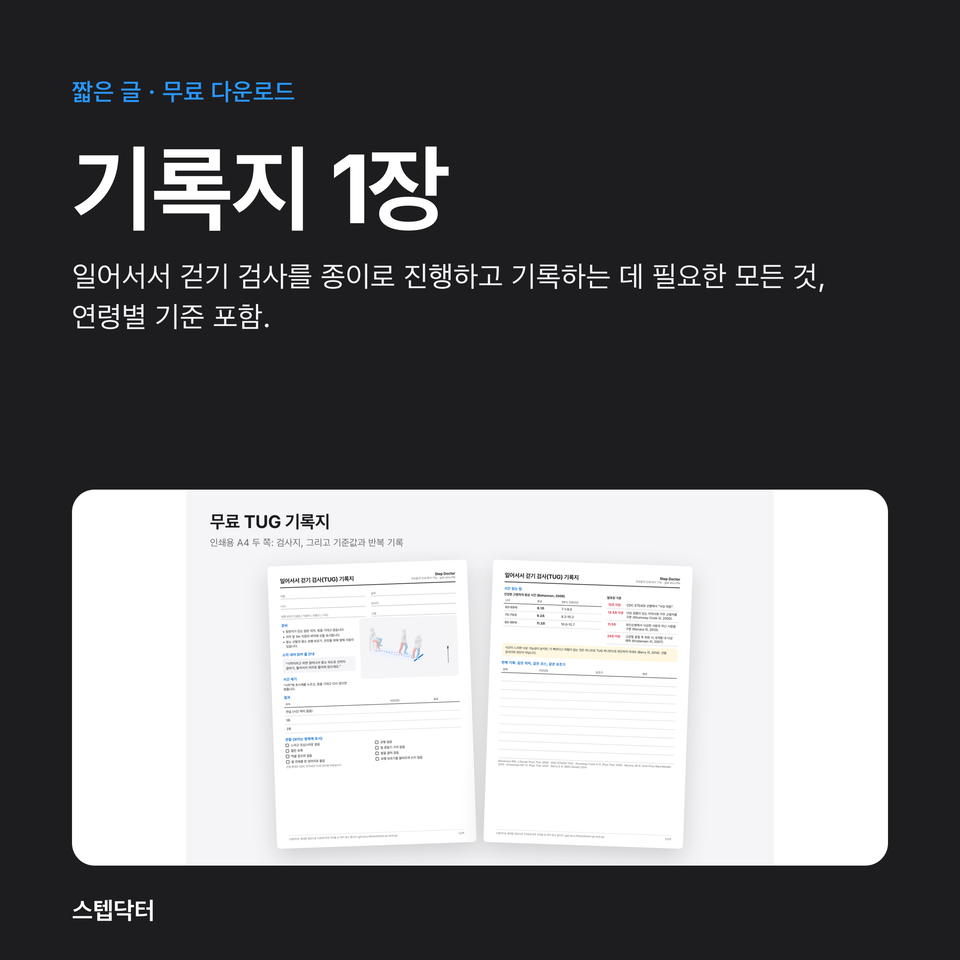
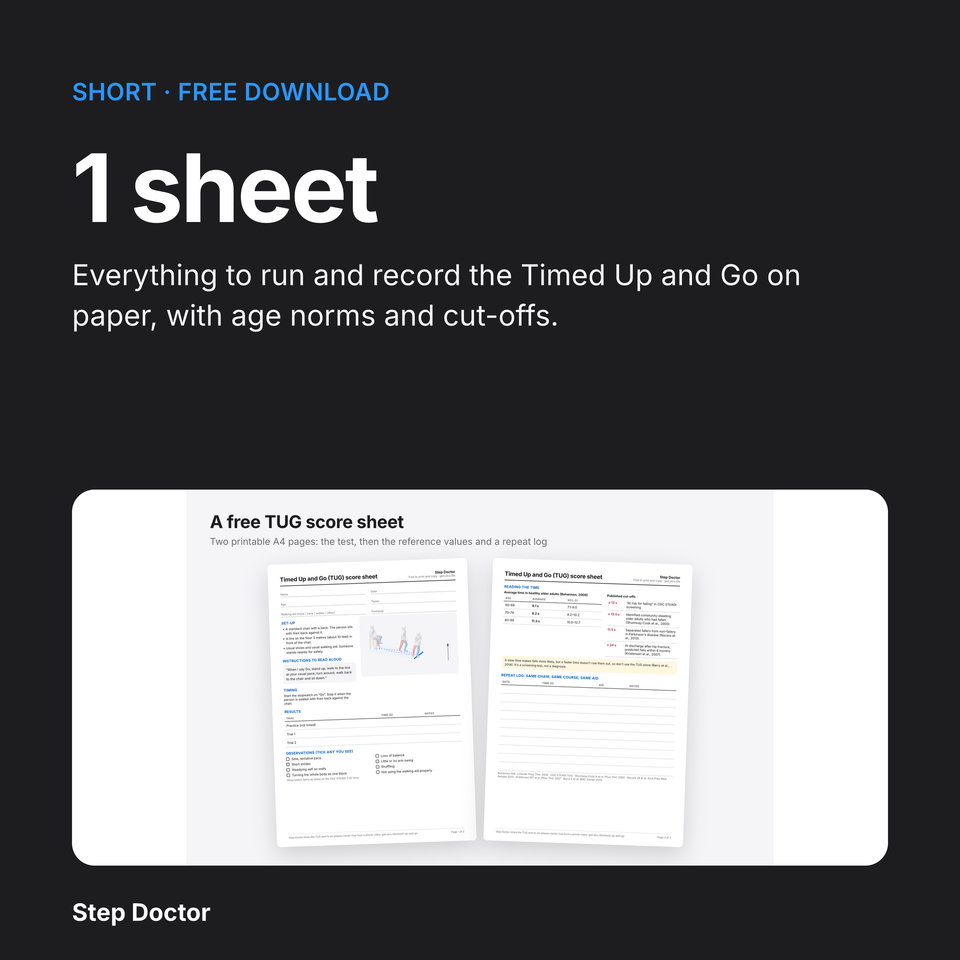
Is there a free TUG test app? Yes. up&go is free, and so is TUG App on iPhone. A paper TUG score sheet and a stopwatch also work.
What does an instrumented TUG (iTUG) app add? The time of each part of the test, compared with reference values for each part, so you can see whether standing up, walking or turning is slow.
Can I do the TUG on my own with an app? With an app that times it automatically, yes. Have someone nearby for safety, especially if you're unsteady.
Is a TUG app result a diagnosis? No. The TUG is a screening test; a slow time is something to discuss with a healthcare professional.
Read more about the Timed Up and Go in Step Doctor, what the times mean in TUG cut-offs by condition, or get Step Doctor, a TUG test app for iPhone and Android, on the App Store or Google Play.
Step Doctor supports screening and monitoring. It doesn't diagnose, and results should inform, not replace, the judgement of a healthcare professional.