Forget "Ctrl+F": Google's New File Search API Can Actually 'Understand' Your Entire Codebase
Every developer, researcher, and project manager knows the feeling.
You're staring at a project folder with hundreds of files, a mountain of reference PDFs, or endless technical documents. When you need to find that one specific piece of information, "Ctrl+F" is too basic, and feeding files to an AI chatbot hits the context window limit after just one or two documents.
What if an AI could ingest all those files from your local drive at once, 'understand' the context, and give you the exact answer you need?
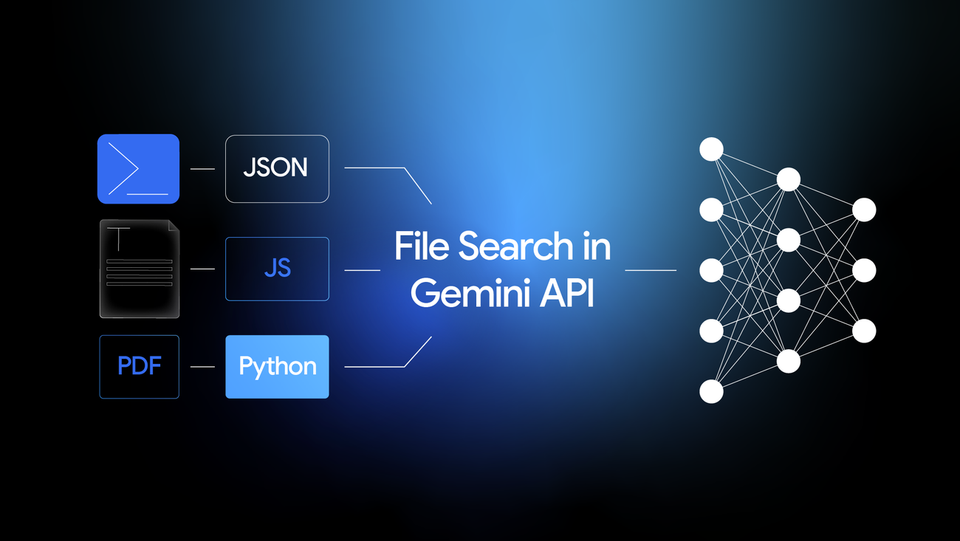
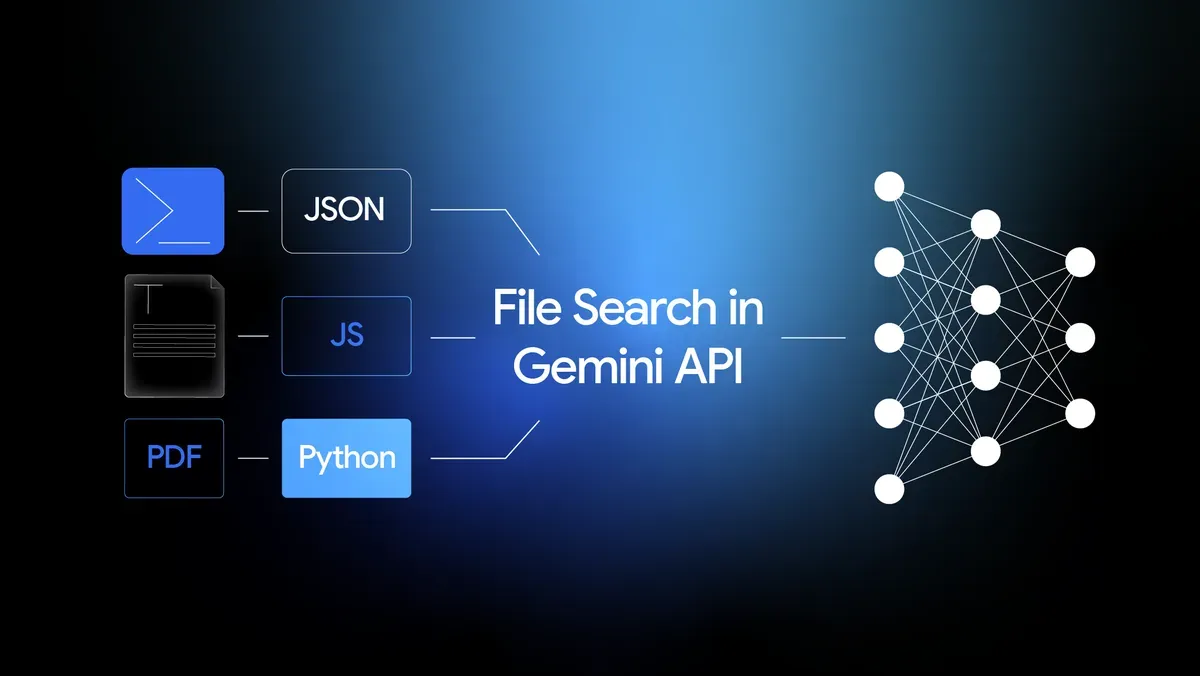
Google's new 'File Search' feature in the Gemini API makes this a reality. This isn't just another buzzworthy enterprise solution; it's a powerful weapon for maximizing the productivity of individual tech professionals.
The End of RAG as a "Complex, Expensive" Dream
We all know the acronym: RAG (Retrieval-Augmented Generation). It's the technique that lets an AI reference external documents to provide smarter, more accurate answers. But until now, RAG has been more of a "nice to have" dream than a practical reality for most.
The process of chunking files, creating embeddings, setting up a costly vector database, and managing the entire retrieval pipeline was simply too complex and expensive for an individual or small team to bear.
Google's 'File Search' abstracts this entire messy process into a 'fully managed' service. This means you, the developer, don't have to build a complex RAG pipeline. You just 'call' the generateContent API.
Why This Is a Game-Changer for Tech-Savvy Pros
'File Search' is particularly compelling for those of us who are hands-on with technology, for a few key reasons:
1. Top-Tier 'Contextual' Search, Powered by a MTEB Leader At the heart of this feature is Google's latest 'Gemini Embedding' model. This isn't just any model—it has officially proven its prowess by achieving top-tier performance on the 'MTEB (Massive Text Embedding Benchmark).' What this means for you is simple: No more simple keyword matching. You can ask vague, human-like questions like, "Where was that login logic again?" and it will understand the meaning and context to find the relevant code snippet.
2. No More AI "Hallucinations," Thanks to Citations File Search directly addresses the AI's "hallucination" problem. When it generates an answer, it clearly cites exactly which part of which document it used as a source. This dramatically increases the trustworthiness of the response.
3. Unmatched File Support for Developers Yes, it supports PDF, DOCX, TXT, and JSON. But the real killer feature is its native support for a wide variety of programming language files. You can effectively "teach" the AI your entire codebase.
4. A Price Point Even Individuals Can Afford This is perhaps the most critical part. Think about the server costs and maintenance hours of running your own RAG system. File Search offers storage and embedding generation at query time for free, with a flat, remarkably low rate of just $0.15 per 1 million tokens for the initial indexing.
"Show, Don't Tell": Building Your 'Second Brain'
Here are practical examples of what you can do today:
- For Developers: Upload a 5-year-old legacy codebase and ask, "Summarize all API endpoints related to the v2 payments module and their associated business logic."
- For Researchers/Students: Upload 300 PDF papers on a specific topic and ask, "Find all the studies that use a 'Transformer architecture' to analyze 'medical images' and provide a comparative analysis of their core methodologies."
- For PMs/Planners: Upload a year's worth of project plans, meeting notes, and JIRA tickets and ask, "Show me the main feature change history for the 'Alpha Project' in Q2 of last year and find the relevant decision-making meeting minutes."
Conclusion: The Democratization of RAG Is Here
The arrival of Google's 'File Search' signifies that RAG technology is no longer a walled-off tool for massive enterprises. It has become a 'tool for everyone.'
While data security will always be a valid concern in corporate settings, the more exciting, immediate implication is that individual tech professionals can now build a personalized AI assistant based on their own vast knowledge archives.
We've finally moved from "How do we build RAG?" to the much more exciting question: "What will you build with it?"
What kind of 'personal AI tool' would you want to create with this powerful API?